Every digital camera captures images as sensor data — a vast grid of voltage readings, one per pixel, recording the photons that struck the sensor during the exposure. A RAW file is this sensor data saved with minimal processing — a digital negative that preserves the full tonal range, colour information, and detail captured by the sensor. Unlike JPEG, which applies compression, sharpening, colour adjustments, and discards data to create a small, finished file, RAW retains everything the sensor recorded. This gives you extraordinary flexibility in post-processing: exposure can be adjusted by several stops, white balance can be changed completely, highlights and shadows can be recovered, and colour can be graded without any quality loss. Understanding RAW files is fundamental to professional photography — this guide covers what RAW files are, how they differ from JPEG, why they matter, how to process them, and when to use each format.
What Is a RAW File?
A RAW file contains the unprocessed (or minimally processed) data from the camera's image sensor. Each pixel records a single brightness value behind a colour filter — red, green, or blue (the Bayer pattern). The RAW file stores these individual pixel values along with metadata (camera settings, lens information, date/time) and a small embedded JPEG preview. The file has not been demosaiced (the Bayer pattern has not been interpolated into full-colour pixels), not been sharpened, not been noise-reduced, and the white balance has not been baked in (it is recorded as metadata only, and can be changed freely). Every camera manufacturer uses a proprietary RAW format: Canon (.CR2, .CR3), Nikon (.NEF), Sony (.ARW), Fujifilm (.RAF), and so on. Adobe's DNG (Digital Negative) is an open RAW format that any manufacturer can adopt.
RAW vs JPEG: The Fundamental Difference
JPEG files are processed in-camera. The camera takes the RAW sensor data, applies demosaicing, white balance, colour profile, sharpening, noise reduction, contrast adjustments, and then compresses the result using lossy compression, discarding data to reduce file size. The result is a finished 8-bit file that looks good straight from the camera but has limited editing latitude. Pushing JPEG shadows or highlights produces banding, noise, and colour breakdown. RAW files skip all of this processing — they are typically 12-bit or 14-bit, containing 4,096 or 16,384 brightness levels per channel (compared to JPEG's 256 levels). This massive tonal depth is the source of RAW's editing power: you can recover a blown highlight or lift a deep shadow and find smooth, detailed, usable data where a JPEG would show only white or noisy black.
Dynamic Range and Exposure Recovery
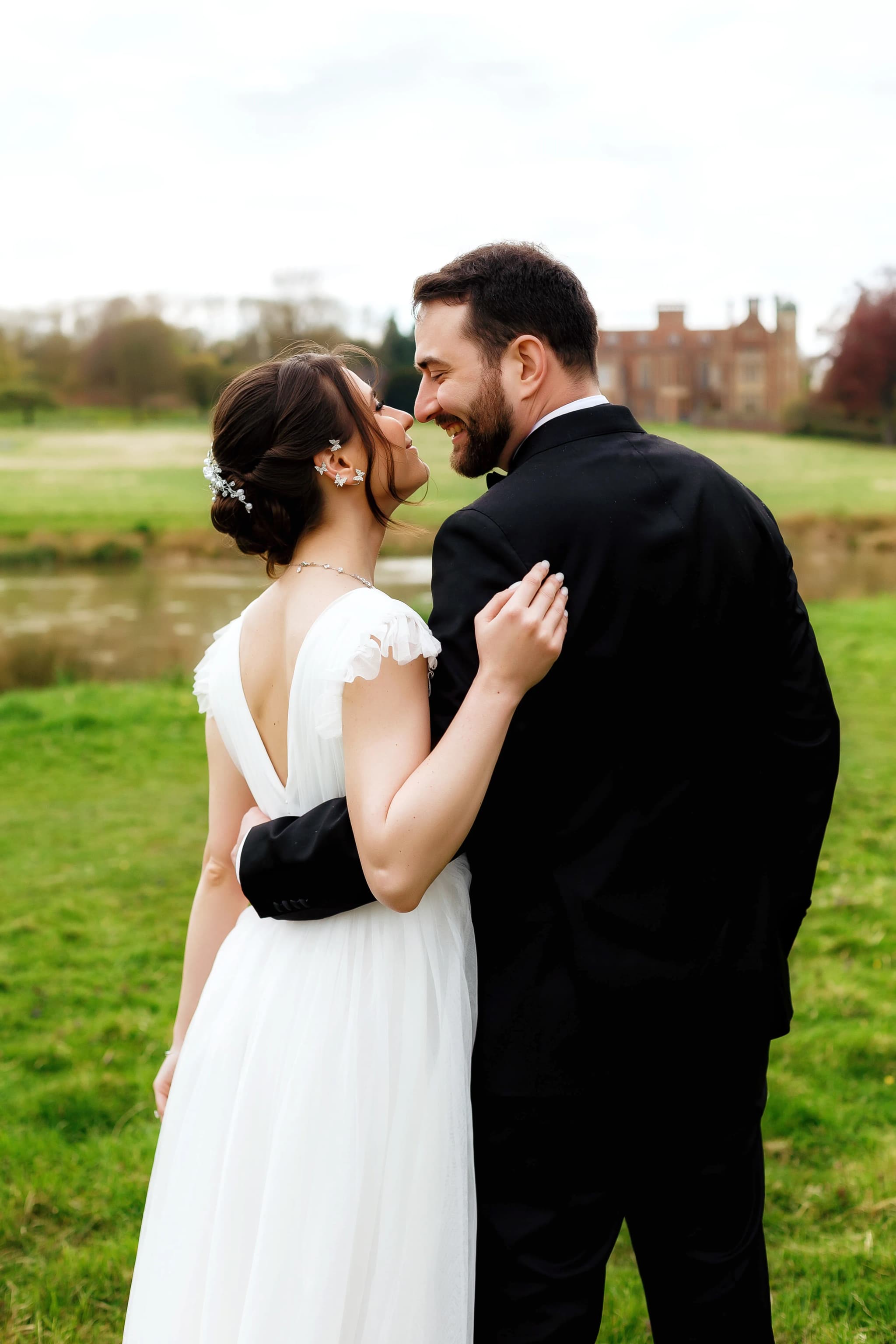
The most compelling advantage of RAW is exposure recovery. A typical modern camera sensor captures 12–14 stops of dynamic range. JPEG compresses this into 8 bits, discarding much of the highlight and shadow data. RAW preserves the full dynamic range. In practice, this means you can underexpose a RAW file by 1–2 stops to protect highlights, then lift the shadows in post-processing and recover detail that would be lost in JPEG. Wedding photographers routinely operate this way — underexposing slightly to protect white dress highlights, then lifting shadow areas in Lightroom to reveal detail in dark suits and venue corners. Recovering 2–3 stops of underexposure from a RAW file is straightforward with minimal quality loss. Attempting the same recovery from JPEG produces noisy, banded, posterised results.
White Balance Flexibility
In a JPEG file, the white balance chosen at capture is permanently applied — the colour data is shifted and compressed based on that choice. Changing white balance afterward requires pushing colour channels, which degrades quality. In a RAW file, white balance is stored as metadata, not applied to the pixel data. This means you can change white balance in post-processing with zero quality loss — from 2500K tungsten to 10000K shade and everywhere in between. A shot taken under fluorescent lighting with auto white balance set incorrectly can be corrected perfectly in RAW. This is particularly valuable in mixed-lighting situations (wedding receptions, events, interiors with multiple light sources) where getting perfect white balance in-camera every time is nearly impossible.
Colour Depth and Grading
RAW files store 12 or 14 bits of colour depth per channel (compared to JPEG's 8 bits). This extra depth means smoother gradients, more nuanced colour transitions, and far greater latitude for colour grading. When you apply an aggressive colour grade — desaturating, splitting tones, shifting hues — to a JPEG, banding and posterisation appear quickly. The same grade applied to a RAW file remains smooth and artifact-free because there is so much more colour data to work with. Professional colour grading for portrait, fashion, and editorial work is only practical with RAW files. The difference is not always visible in a correctly exposed, lightly edited image — but the moment you push the colour processing, the quality gap between RAW and JPEG becomes stark.
Non-Destructive Editing
RAW editing in applications like Lightroom, Capture One, and DxO PhotoLab is inherently non-destructive. The original RAW file is never modified — your edits are stored as a separate instruction set (in a sidecar .xpp file, a Lightroom catalog, or embedded metadata). You can change any setting — exposure, white balance, colour, sharpening, noise reduction — at any point and revert to the original capture at any time. This non-destructive workflow means every creative decision is reversible, and you can process the same RAW file in multiple ways (a warm version, a cool version, a black-and-white version) without duplicating the underlying data. This flexibility is fundamental to professional workflow efficiency and creative experimentation.
RAW Processing Software
Adobe Lightroom Classic is the most widely used RAW processor, offering comprehensive cataloguing, editing, and export tools. Adobe Camera Raw (ACR) is the same processing engine integrated into Photoshop. Capture One Pro is preferred by many studio and fashion photographers for its superior colour rendering, tethering capabilities, and granular colour editor. DxO PhotoLab excels at automatic lens correction and noise reduction (DeepPRIME AI). Darktable and RawTherapee are powerful open-source alternatives. Each application applies its own demosaicing algorithm, colour science, and sharpening method to the RAW data — which is why the same RAW file can look slightly different across different processors. Choosing your RAW processor is as meaningful as choosing your camera — it defines your colour palette and processing character.
When to Shoot JPEG
RAW is not always necessary. JPEG is appropriate when speed of delivery matters more than post-processing flexibility — sports journalists transmitting images mid-game, event photographers delivering same-day slideshows, or social media content where the camera's JPEG processing is sufficient. Some cameras (notably Fujifilm) produce exceptionally good in-camera JPEG files with film simulation modes that rival careful RAW processing. If your exposure and white balance are consistently accurate, and you do not need to perform significant post-processing, JPEG's smaller file size and immediate usability are genuine advantages. Many photographers shoot RAW + JPEG simultaneously — using the JPEG for quick review and delivery, and the RAW for selected images that need detailed editing.
File Management and Storage
RAW files are significantly larger than JPEGs — a 24-megapixel RAW file is typically 25–50MB (compared to 5–12MB for JPEG). A 64GB card holds roughly 1,200–2,500 RAW files depending on camera and bit depth. Storage costs are trivial relative to the quality benefits, but backup strategy matters. Follow the 3-2-1 rule: three copies of your RAW files, on two different media types, with one offsite. External SSDs, NAS drives, and cloud storage (Backblaze B2, Google One, iCloud) provide redundant storage. Organise your RAW library with a consistent folder structure (Year/Month/Project) and use Lightroom or equivalent for cataloguing, keywording, and retrieval. RAW files are your digital negatives — treat them with the same care a film photographer gives to their negatives.
RAW files are the foundation of professional photography — preserving every photon of information for post-processing with unlimited creative latitude.
Capture everything, decide later. Explore the work.