Yana Skakun

Print Photos vs Digital Files: What You Actually Do With Your Images
By Yana Skakun·21 April 2034·6 min read
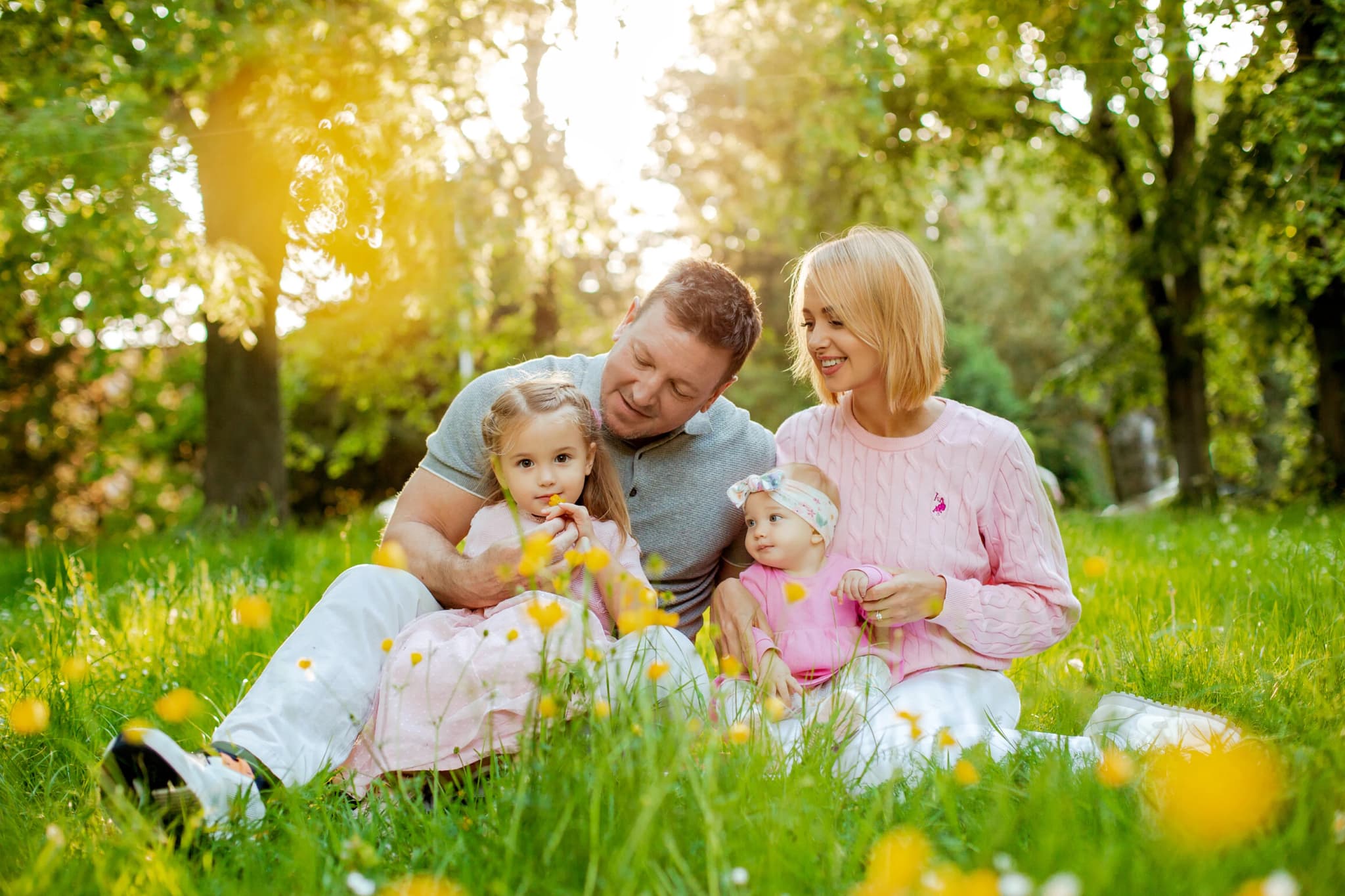
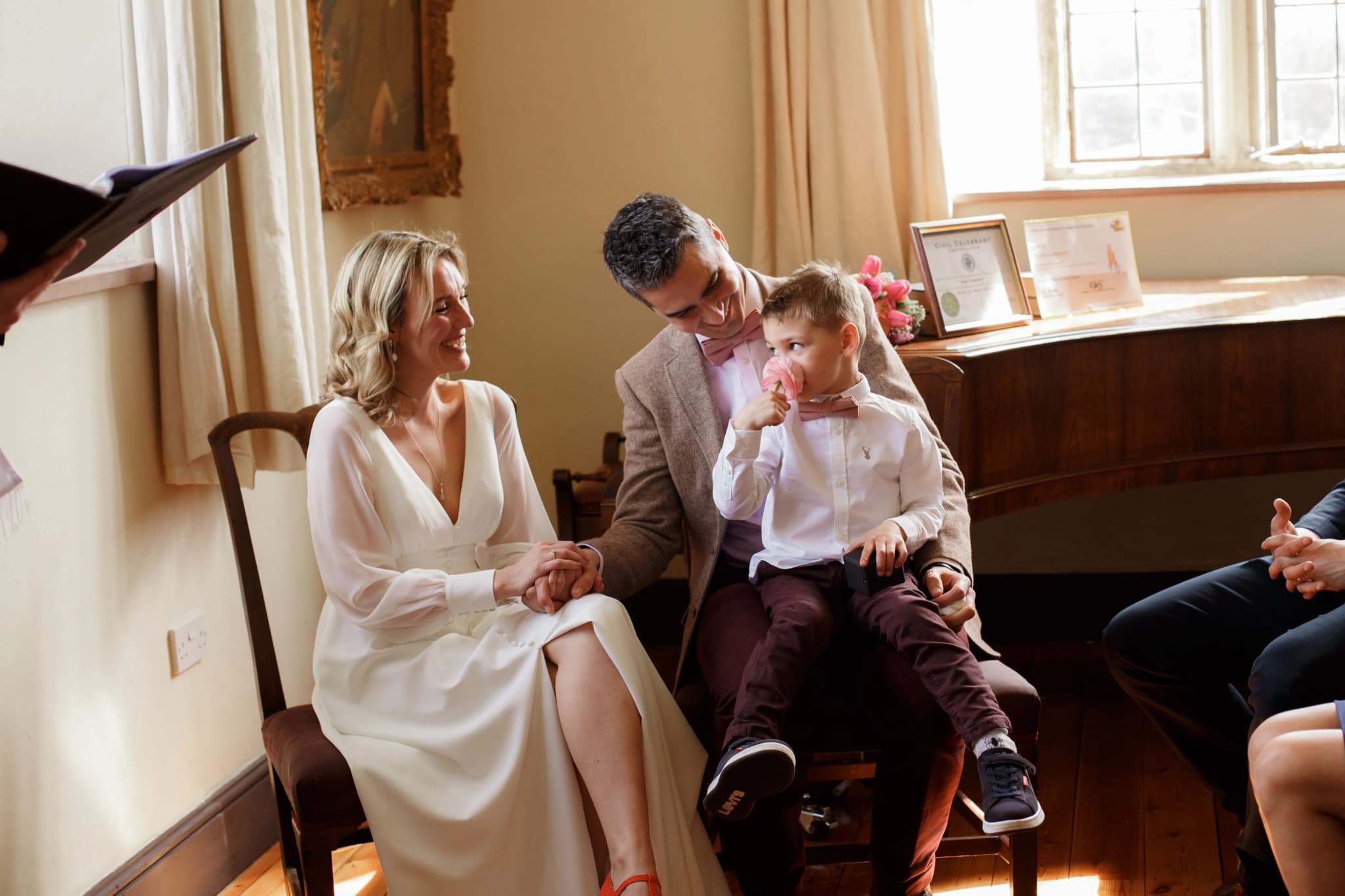
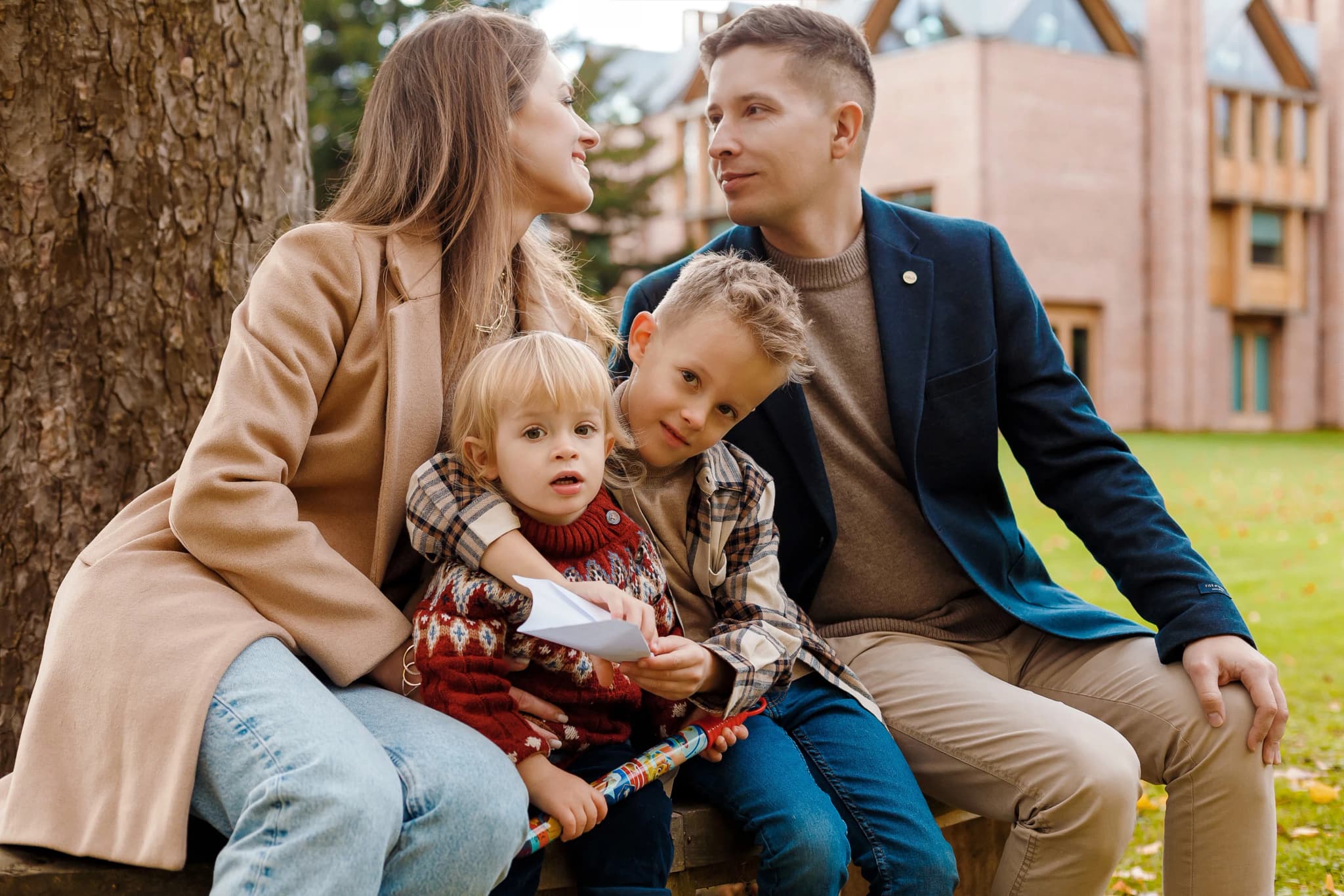
Almost every client asks me some version of this question at the end of a session: "Do I really need prints, or are the digital files enough?" It usually comes up while we are looking through the online gallery together, scrolling past image after image, everyone slightly overwhelmed by how many good ones there are. It is a fair question, and it deserves a proper answer rather than a sales pitch. I photograph weddings, families, newborns, and portraits across Cambridge and the wider region, and I have watched the same pattern play out with clients time and again — the ones who are genuinely happy a year later are almost never the ones who only ever downloaded a folder of JPEGs. This article is my honest attempt to explain why, and to help you work out what actually makes sense for your own photographs.
The Short Answer
Most people benefit from both, but not in equal measure and not for the same reasons. Digital files are for sharing, backing up, and keeping your options open for the future. Prints are for the handful of images that actually matter enough to look at every day. The real question is not "digital or print" but which images deserve to exist as objects in your home, and how you make sure the rest do not simply vanish into a folder you never open again.
I say this having sat with hundreds of galleries alongside clients. Almost everyone starts the conversation assuming digital files are the whole answer, because that is what most of us are used to with everyday phone photography. Then, a year or two later, the families who ordered a piece of wall art or an album tell me it is the thing they are gladdest they did. The families who only took the digital download often admit, slightly sheepishly, that they have not looked at the photographs since the week they arrived.
Why Digital-Only Galleries Quietly Go Unseen
This is not a criticism of anyone who has done it — it is simply how digital behaviour tends to work. A digital photograph requires a decision to go and look at it. You have to open a laptop, find the folder, or scroll back through a phone's camera roll past a thousand other images to find the ones from your session. A print on a wall requires nothing at all. You see it every time you walk past, whether you meant to look or not. That difference in friction, small as it sounds, is the entire explanation for why so many beautifully edited digital galleries end up sitting untouched.
There is also the question of what happens to files over time. Phones get replaced, laptops die, cloud accounts lapse, and file formats change. I have had clients contact me years after a wedding asking if I still have the files because their own copies were lost to a broken hard drive or a phone that fell in a puddle. A print does not need a password, a working device, or an active subscription to exist. It just needs a wall.
None of this means digital files are not worth having — they absolutely are, and I include them with every session for exactly that reason. But treating the digital download as the finish line, rather than the starting point, is usually where the disappointment creeps in later.
What Digital Files Are Genuinely Good For
Digital files earn their place for a specific set of reasons, and it is worth being clear about what those are rather than dismissing them. They can be shared instantly with grandparents who live too far away to visit often, which matters enormously with newborn and family sessions in particular. They can be printed at any size, by any lab, at any point in the future — a high-resolution file is a genuine long-term asset if it is looked after properly. They also give you the freedom to make your own choices about framing, cropping, and printing in your own time, rather than everything being decided at the point of delivery.
"Properly looked after" is the part that most people skip. A file sitting in a single Downloads folder on one laptop is not backed up, it is one spilled cup of tea away from being gone. When you receive your gallery, the simplest thing you can do is get the files into two separate places straight away — a cloud storage service you actually keep paying for, and a physical drive kept somewhere other than next to your laptop. It takes ten minutes and it is the single most useful thing you can do with a digital delivery.
Digital files are also useful for the images that will never become large prints but still matter — the ones that make good phone wallpapers, the ones you want to send to a friend the same evening, the couple of hundred extra frames from a wedding day that document the whole story rather than just the handful of standout moments. Not every photograph needs to hang on a wall to be worth keeping.
What a Good Print Actually Adds
A professionally printed portrait, properly mounted and framed on genuine archival paper, is built to outlast almost any digital storage method available to an ordinary household. Archival printing processes are designed to remain stable for generations, not years, when kept out of direct sunlight and reasonable damp. That is a very different proposition from a file sitting on a hard drive that will, at some point, fail.
There is also something a print does that a screen simply cannot: it changes the room it is in. A large portrait or a piece of framed wall art becomes part of how a space feels, seen without anyone having to open an app or remember a password. For a newborn session, a family portrait, or wedding images, that permanence carries real weight — it tells the people who live with it, and the people who visit, that this moment was worth keeping as something real rather than something scrollable.
The quality gap between proper professional lab printing and either home printing or a high-street chain is also larger than most people expect. Professional photography labs colour-calibrate every print against the original file and use exhibition-grade papers designed specifically for portrait and fine-art reproduction. Consumer inkjet printers and high-street photo counters are simply not built to the same standard, and the difference shows immediately once you have a genuine print in your hands to compare it against.
A simple way to decide
Choose the handful of images from your gallery that make you stop scrolling every single time you see them — usually somewhere between three and eight from a full session. Those are the ones worth printing. Everything else can live happily as a digital file, properly backed up, ready to be printed later if you ever change your mind.
Ask about prints and albumsHow I Handle This With Every Client
Every session I photograph — wedding, family, newborn, portrait, or corporate headshots — includes high-resolution digital files delivered through an online gallery, so nobody is ever locked out of their own images or asked to pay extra simply to own them. That part is not negotiable to me; the photographs are yours, and you should have full access to them.
Alongside that, the same gallery includes options to order professional prints, framed wall art, and albums directly, using the lab I trust for colour accuracy and paper quality rather than leaving you to guess which high-street service will do the file justice. I usually encourage clients to sit with the gallery for a week or two before ordering anything, rather than rushing a decision in the excitement of first seeing the images. The photographs that still stand out after a fortnight of looking are almost always the right ones to put on a wall.
For weddings in particular, I gently push people towards an album rather than relying on prints and digital files alone. An album tells the story of the day in sequence — getting ready, the ceremony, the reception, the details you spent months planning — in a way that a folder of individually numbered files never quite manages. It is the one product almost every wedding client tells me, months later, that they are glad they said yes to.
A Practical Middle Ground
If you are still unsure, here is the approach I recommend to most clients. Take the full digital gallery and back it up properly the day it arrives — one cloud copy, one physical copy, done. Then go through the gallery once, without overthinking it, and mark the images that genuinely stop you when you see them. From that shortlist, choose one or two for a large statement print or piece of wall art, and a small selection for a simpler print set or an album. You do not need to print everything, and you do not need to decide immediately. What you do need is to make sure the images that matter most to you are not left entirely dependent on a laptop that could fail or a phone that could be lost.
Photographs are meant to be looked at, not just stored. Digital files keep your options open and your archive safe; prints make sure that at least some of those images actually get seen, day after day, in the place you live. If you would like help working out what makes sense for your own session — what to print, what size suits your walls, or how an album might fit into a wedding package — get in touch and we can talk it through before or after your session.
Yana Skakun
Photographer · England
Professional wedding, family and portrait photographer based in England. Passionate about capturing authentic emotions and timeless moments.
About Yana →print photos vs digital filesshould I print my photosprint vs digital photographyphoto prints value
Photography Tips — Professional Photography in Cambridge & England
Yana Skakun is a professional photographer based in Cambridge, specialising in wedding, family, and portrait photography across England. Every session is personal — planned around your story, your people, and the moments that matter most. This guide — Print Photos vs Digital Files: What You Actually Do With Your Images — is part of the photography journal: practical, experience-based advice drawn from real sessions across England. Whether you arrived searching for print photos vs digital files or should i print my photos, the same care and attention shapes every session Yana photographs.
Professional Photography sessions are available year-round, with bookings open across Cambridge, Ely, Huntingdon, Peterborough, and further afield — East England, London, the Midlands, and beyond. If you have specific questions about print vs digital photography, mention it in your enquiry. Get in touch through the contact form above to check availability and discuss your session. Enquiries are welcomed from anywhere in the UK.
Frequently Asked Questions
What camera settings should I use for outdoor portraits?+
For outdoor portraits, shoot in aperture priority mode. Use a wide aperture (f/1.8–f/2.8) to blur the background and isolate your subject. Keep ISO as low as possible in good light. In bright conditions, use a neutral density filter or switch to manual to avoid overexposure at wide apertures.
What is the golden hour in photography?+
Golden hour is the period roughly 30–60 minutes after sunrise and before sunset. The sun is low in the sky, producing warm, soft, directional light that flatters skin tones and creates beautiful long shadows. It's widely considered the best natural light for portrait and outdoor photography.
How do you get sharp photos in low light?+
In low light, increase your ISO (accepting some grain), use the widest aperture your lens allows, and slow your shutter speed to the slowest you can hand-hold without camera shake (roughly 1/focal length as a guide). Use image stabilisation if available, and consider a tripod for static subjects.
What is the rule of thirds in photography?+
The rule of thirds divides the frame into a 3×3 grid. Placing your subject on one of the four intersection points — rather than dead centre — creates a more dynamic, visually interesting composition. It's a guideline, not a rule: some of the most powerful images break it deliberately.
How do you edit photos to look professional?+
Professional editing starts with shooting in RAW format. In Lightroom or similar software, correct exposure, white balance, and contrast first. Recover shadow and highlight detail. Apply gentle colour grading for mood. Be conservative with skin retouching — the goal is natural enhancement, not transformation. Consistency across a set of images is what separates professional from amateur editing.
Continue Reading
Related Articles
Photography Tips
Photography Gift Vouchers: The Most Personal Present You Can Give
5 min read · Read Article
Photography Tips
Photo Books vs Photo Albums: What Is the Difference and Which Is Better?
5 min read · Read Article
Photography Tips
Photo Gift Ideas: Turning Professional Images into Meaningful Presents
5 min read · Read Article
Get in Touch
Ready to Book Your Session?
Get in touch to discuss your vision — I'll reply within 24 hours.