Forced perspective is a photographic technique that uses the relative distance between objects and the camera to create optical illusions — making subjects appear larger, smaller, closer, or further away than they really are. From the classic "holding up the Leaning Tower of Pisa" tourist photo to sophisticated commercial and fine art applications, forced perspective exploits the two-dimensional nature of photographs to trick perception. This guide covers the technique, planning, execution, and creative applications.
How Forced Perspective Works
A photograph compresses three-dimensional space into two dimensions. The camera cannot convey depth — it records only height and width. An object close to the camera appears large; an identical object far away appears small. By carefully positioning subjects at different distances from the camera and aligning them in the frame, you create the illusion that they are the same distance away — and therefore radically different in size.
The key principle: the camera position, framing angle, and subject positions must be precisely coordinated so the spatial relationship between subjects looks plausible in two dimensions, even though it is impossible in three.
Camera Settings
Forced perspective requires deep depth of field — both the near and far subjects must be sharp for the illusion to work. Use f/11-f/16 to ensure front-to-back sharpness. A wide-angle lens (16-35mm) exaggerates the size difference between near and far objects, making the effect more dramatic. A telephoto lens (70-200mm) compresses distance, making objects at different distances appear closer together — useful for "flattening" a scene and placing distant objects alongside near ones.
Classic Forced Perspective Techniques
Making People Tiny
Position the subject far from the camera and a smaller prop (a hand, a shoe, a cup) close to the camera. Frame so the subject appears to stand inside the cup, sit on the shoe, or be held between the fingers. The subject must be precisely positioned in the background to align with the foreground prop.
Making People Giant
Reverse the technique — place the person close to the camera with a building, vehicle, or landmark far behind. Frame so the person appears to tower over or interact with the distant object. "Stepping on" a building or "picking up" a vehicle from the horizon are classic examples.
Interaction with Landmarks
The most popular tourist application — "holding" the Eiffel Tower, "pushing" the Leaning Tower, "pinching" the sun between fingers at sunset. Position the person at the precise distance from the camera where their hand aligns with the distant landmark. The photographer directs from behind the camera, calling adjustments in real time.
Advanced Techniques
Miniature Faking (Tilt-Shift Effect)
Shooting a real-world scene from an elevated position with a tilt-shift lens (or applying selective blur in post) makes real streets, buildings, and people appear as tiny scale models. The shallow depth of field mimics the optical properties of macro photography, tricking the brain into perceiving the scene as miniature.
Scale Props
Use miniature props (toy cars, model buildings, tiny furniture) placed close to the camera with a real-world background behind. With careful lighting and depth of field control, the miniature objects appear to exist at full scale within the real environment.
Multiple Subjects at Different Distances
Position multiple people at carefully calculated distances to create the illusion of a giant and a tiny person standing side by side. Both subjects must interact as if they were at the same distance — looking at each other, reaching toward each other — while actually standing metres apart.
Planning Your Shot
- Scout the location: Look for clean sightlines with minimal visual clutter between the near and far subjects.
- Use a spotter: Have someone stand with the distant subject to relay your alignment instructions.
- Shoot low: A low camera angle (shooting from ground level upward) enhances the illusion by reducing visible ground between subjects.
- Mark positions: Once alignment is perfect, mark the camera and subject positions so you can recreate the setup.
- Check focus: Use live view zoom to confirm both near and far subjects are sharp before shooting.
Forced Perspective for Weddings
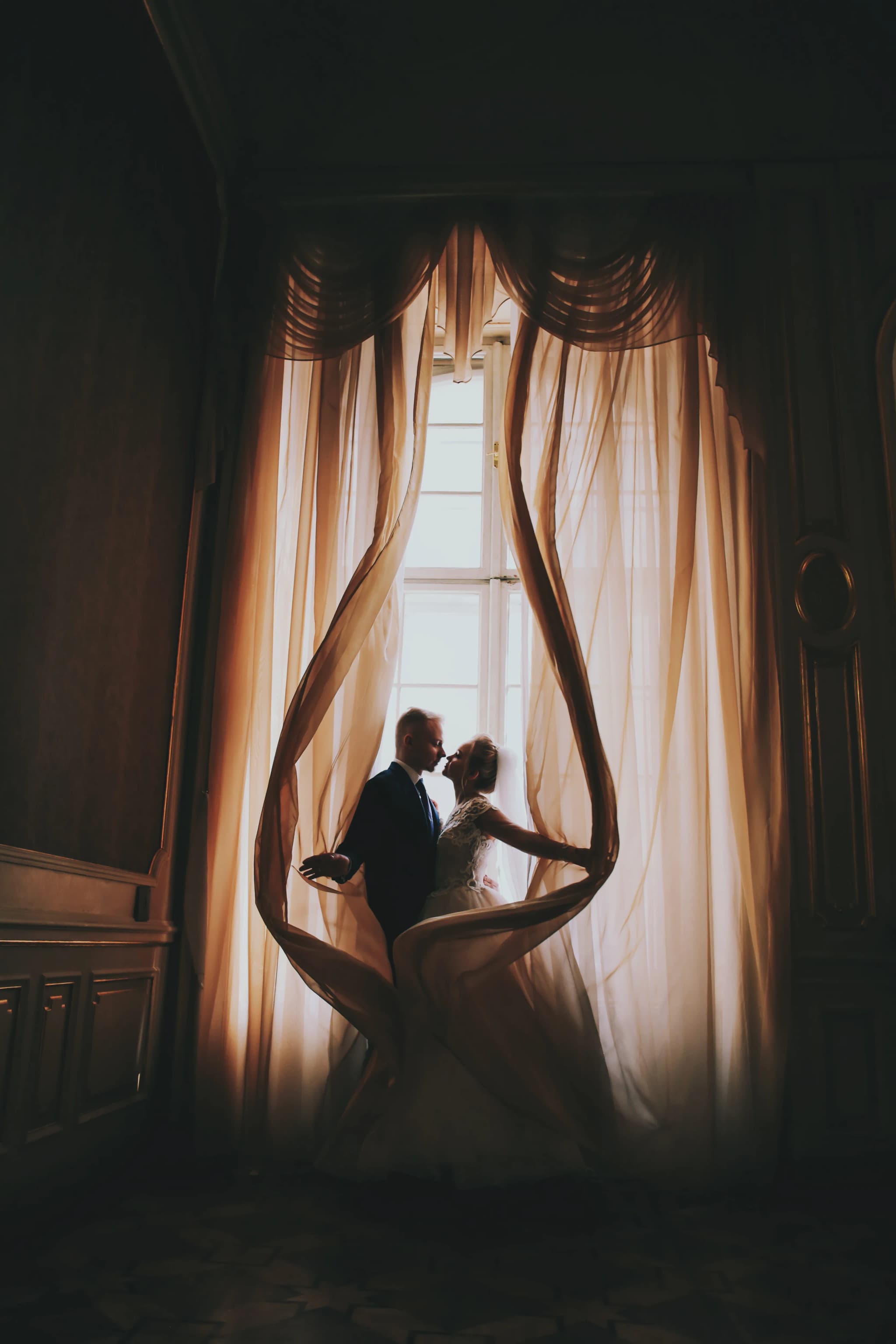
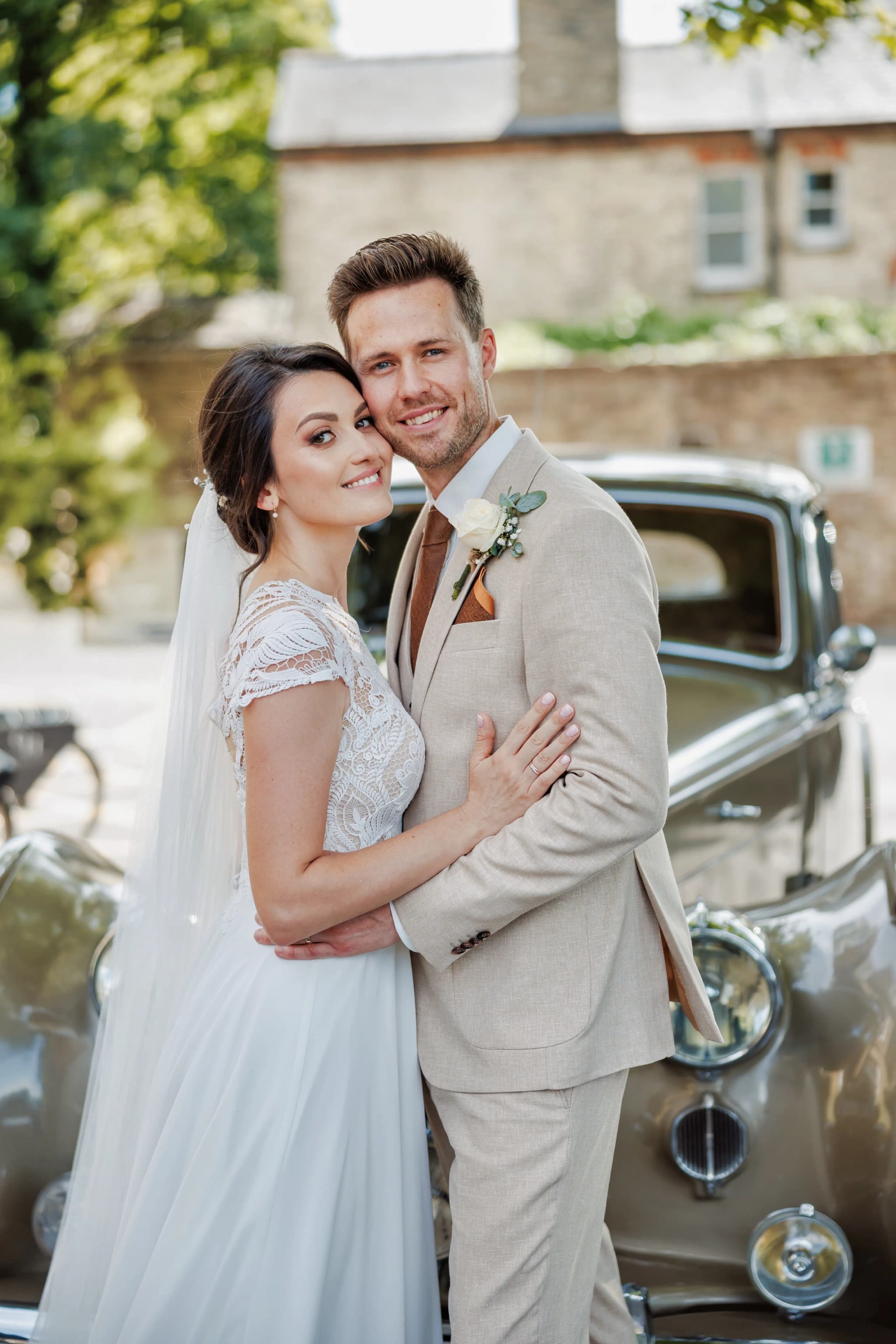
Forced perspective adds playful, memorable images to wedding galleries. The couple "standing" on each other's palms. The bride "picking up" the tiny groom (or vice versa). The best man "stepping on" the wedding cake figurine. The ring positioned in the foreground with the venue in the background, appearing to "encircle" the building. These shots are fun to shoot, and couples love the creative, unexpected results.
Post-Processing
If the illusion is executed well in-camera, minimal post-processing is needed. Ensure both subjects have consistent lighting and colour temperature. If one subject is in shadow and the other in sun, the light mismatch breaks the illusion — dodge/burn to match. For composite approaches (combining elements from separate frames), ensure consistent perspective, shadow direction, and colour grading.
Forced perspective proves that the most powerful creative tool in photography is not the camera — it's the idea. Position, perspective, and imagination create the impossible.
Creativity over complexity. See creative photography in the portfolio.