Yana Skakun
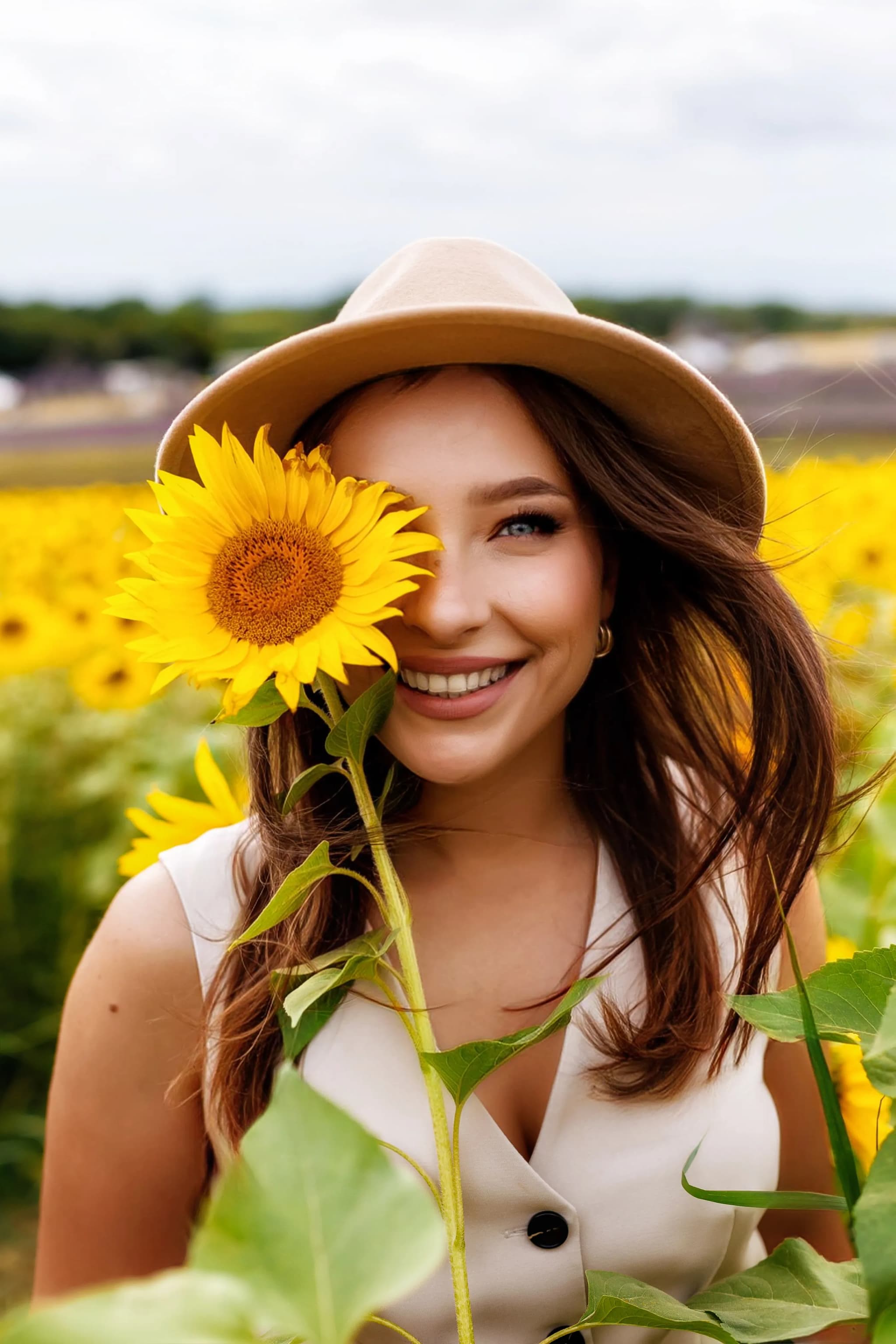
How your LinkedIn photo affects your career (and how to fix it)
By Yana Skakun·10 May 2026·6 min read
Your LinkedIn profile photo is working for you around the clock — appearing in search results, connection requests, and message threads before a single word of your profile has been read. Research consistently shows that profiles with professional headshots receive up to fourteen times more views than those without, and recruiters and potential clients form an impression within seconds of seeing your face. Getting that photo right is one of the most valuable investments a professional in the UK can make in their personal brand.
Why Your LinkedIn Photo Matters More Than You Think
In an era of remote work and digital-first introductions, your LinkedIn headshot has taken on a role that used to belong to the firm handshake and the well-pressed suit. It signals professionalism, approachability, and credibility before anyone has read a single bullet point of your work history. For professionals in competitive sectors — finance in the City of London, tech in Cambridge or Bristol, legal services across the UK — a polished headshot is simply expected. A blurry selfie or a cropped holiday snap sends an unintended message about how seriously you take your professional image.
Beyond recruitment and networking, your LinkedIn photo appears whenever you comment on a post, share an article, or send a message. It is, in effect, your professional logo. I always tell clients that the goal is not to look like a different, impossibly perfect version of yourself — it is to look like the best, most confident version of the person who walks into a meeting and immediately puts the room at ease. That subtle distinction changes everything about how we approach the session.
The good news is that a great LinkedIn headshot does not require a full day in a studio or a complicated brief. Most of my Cambridge-based clients are in and out of a session within an hour, leaving with images that will serve them for the next three to five years across every platform that matters.
What a Professional LinkedIn Headshot Actually Looks Like
The technical requirements for a strong LinkedIn photo are simpler than most people expect. LinkedIn displays profile images in a small circle, so framing matters enormously. Your face should fill roughly sixty percent of the frame — head and shoulders only, with your eyes in the upper third of the image. Anything wider risks your face becoming too small to read clearly on a mobile screen, which is where the majority of LinkedIn browsing now happens.
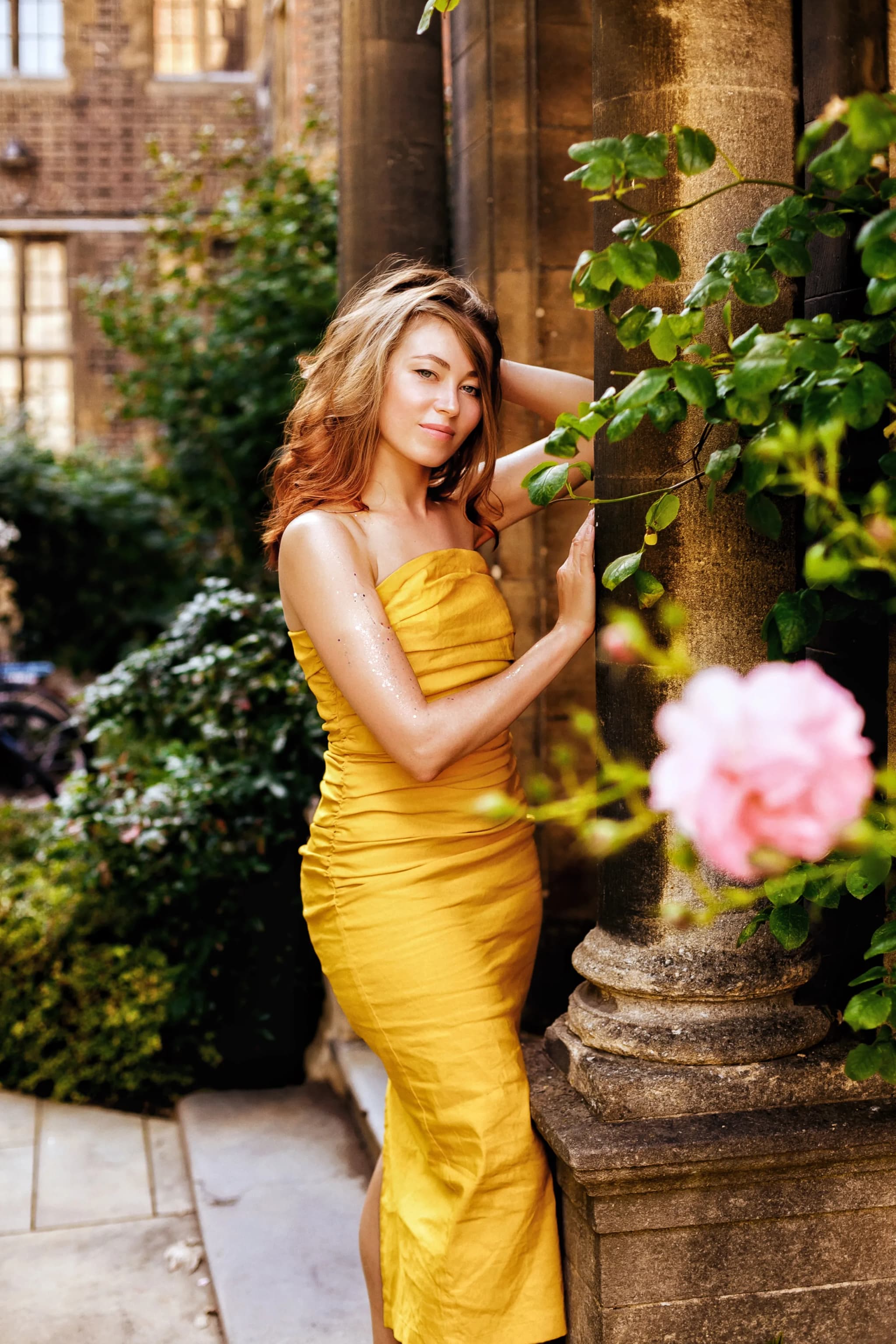
Background choice is where many self-shot or cheaply produced headshots fall apart. A neutral, uncluttered background — soft grey, warm white, muted tones, or a gently blurred professional environment — keeps all attention on your face. I often use the clean architectural details around central Cambridge for outdoor headshots, where the honey-coloured stone provides a warm yet understated backdrop that photographs beautifully without looking like a tourist shot. For studio sessions, a seamless paper backdrop or a softly lit interior wall achieves the same effect.
Lighting is the single biggest difference between a snapshot and a headshot. Harsh overhead office lighting creates unflattering shadows under the eyes and chin. Flat, direct flash flattens features and washes out skin tone. Professional portrait lighting — whether that is a large softbox in a studio or the diffused natural light of an overcast English afternoon — wraps around the face, creates gentle dimension, and makes skin tones look natural and healthy. In my experience, the soft, indirect daylight you get in Cambridge between late morning and early afternoon on a bright but cloudy day is genuinely hard to beat.
How to Prepare for Your LinkedIn Headshot Session
Preparation makes a significant difference to the quality of the final images, and most of it happens before you arrive. Clothing choice is the starting point. Think about what you would wear to a first meeting with an important client or a senior partner — professional enough to signal you take your work seriously, but authentic enough to reflect your actual personality. Solid colours photograph far better than busy patterns, which can distort and draw the eye away from your face. Jewel tones, navy, charcoal, and warm neutrals all tend to photograph particularly well against the light backgrounds typically used for headshots.
Grooming and hair should reflect your everyday professional appearance, not an elevated or unusual version of yourself. If you do not wear full makeup to work, an extremely heavy editorial look for your headshot will create a disconnect for anyone meeting you in person. For clients who want professional hair and makeup, I can recommend excellent make-up artists in Cambridge who specialise in headshot preparation — subtle, photograph-optimised looks that still look entirely natural on screen. For those going without, well-moisturised skin, neatly groomed hair, and a clean, pressed outfit is genuinely all you need.
On the day itself, arrive a few minutes early, take a moment to settle, and trust the process. The tension many people carry about being photographed — and I hear "I hate having my photo taken" in almost every enquiry — almost always dissolves within the first ten minutes of a session. I spend the first part of every headshot booking simply chatting and letting the camera become background noise. By the time we get to the images that actually end up being used, the expression is natural, the posture is relaxed, and the result is a photograph that actually looks like the person in front of me.
A note on retouching
Light retouching — removing a temporary blemish, softening under-eye shadows from a poor night of sleep — is entirely standard and included in every headshot package. What I never do is alter the fundamental structure of someone's face, smooth away every line, or make someone look twenty years younger. The goal is always for your headshot to be recognised as you. If your profile photo and your face are noticeably different when you walk into a room, it undermines the trust you are trying to build. Learn more about my headshot approach.
Common LinkedIn Photo Mistakes and How to Avoid Them
The most frequent mistake I see on professional profiles is the cropped group photo — usually from a wedding, a work event, or a night out, with a sliver of someone else's shoulder visible at the edge. Even if you look fantastic in the original image, the crop communicates that a professional headshot was simply not a priority. Related to this is using a photo that is clearly taken in a social context: a beach, a restaurant, a celebratory moment. The image might be lovely, but context matters, and the subtext undercuts the professional message you are trying to send.
Heavy filters, extreme skin smoothing, and AI-enhanced portrait modes on smartphones have made it tempting to produce a headshot without ever booking a photographer. The results are almost always identifiable as filtered, and they date quickly as the software signatures change. More importantly, the heavy processing tends to remove the personality from a face — the very thing a good headshot should capture and amplify. I have had clients come to me after trying AI headshot generators with dozens of technically competent images that looked nothing like them, and nothing they would want representing them professionally.
Finally, keep your photo current. A headshot that is more than five years old — or that no longer reflects how you look day-to-day — creates friction in professional relationships. Meeting someone after seeing a significantly younger or different photo of them online is a small but real moment of dissonance. Updating your headshot every three to four years is good professional hygiene, and a single session produces enough varied images to refresh your profile without a complete reshoot.
LinkedIn Photo Specifications Worth Knowing
LinkedIn accepts images up to eight megabytes in size and recommends a square format, displayed at 400 by 400 pixels. However, uploading a higher-resolution image — typically 1000 by 1000 pixels or larger — ensures the photo remains sharp as LinkedIn's display requirements evolve and as the platform is viewed across different screen densities. All images from a professional session are delivered at full resolution in both JPEG and web-ready formats, sized specifically for LinkedIn, your company website, speaker bios, and any other platforms where the image will appear.
The colour profile matters more than many people realise. LinkedIn displays images in the sRGB colour space, and images saved in wider colour profiles — such as Adobe RGB or Display P3 — can look desaturated or colour-shifted on screen. Professional post-processing always includes conversion to sRGB for digital delivery, but it is worth checking if you are editing images yourself. A correctly colour-managed file is the difference between the warm, flattering tone you saw in the preview and the washed-out version that appears on your profile.
Getting the Most from Your Headshot Session
A LinkedIn headshot session with me typically runs forty-five minutes to an hour, based in or around Cambridge. That timeframe is enough to work through several different looks — varying the background, the angle, the expression — and to produce a set of ten to twenty final images from which you can choose. Many clients use the same session to update their company website bio photo, their email signature, and images for speaking engagements or media profiles, so the value of a single well-organised hour extends well beyond LinkedIn alone.
I work with professionals across all sectors — academics at the University of Cambridge, solicitors and barristers, startup founders, NHS consultants, creative directors, and everyone in between. The brief shifts depending on industry and personal style, but the underlying goal is always the same: a photograph that is confident, authentic, and immediately recognisable as a professional representation of the person in it. The best headshots are not the ones where everything is technically perfect. They are the ones where something alive comes through — a quality of presence that makes a recruiter, a client, or a collaborator want to click through and learn more.
Your LinkedIn profile photo is a small image with an outsized impact on your professional life. Investing an hour in getting it right — with proper lighting, considered composition, and a photographer who takes the time to make you feel at ease — pays dividends every time your profile appears in a search, a feed, or an inbox. If you are based in Cambridge or the surrounding area and are ready to update your professional image, get in touch to discuss a headshot session and take one of the simplest, most effective steps you can for your personal brand.


Yana Skakun
Photographer · England
Professional wedding, family and portrait photographer based in England. Passionate about capturing authentic emotions and timeless moments.
About Yana →LinkedIn photo UKprofessional photo LinkedIn EnglandLinkedIn headshot tipshow to improve LinkedIn photo
Headshot Tips — Professional Headshot Photography in Cambridge & England
Professional headshot sessions with Yana Skakun are clean, efficient, and designed to produce images that represent you authentically across every professional context — LinkedIn, company websites, speaker profiles, and press. Sessions available in Cambridge and across England. This guide — How your LinkedIn photo affects your career (and how to fix it) — is part of the photography journal: practical, experience-based advice drawn from real sessions across England. Whether you arrived searching for linkedin photo uk or professional photo linkedin england, the same care and attention shapes every session Yana photographs.
Professional Headshot Photography sessions are available year-round, with bookings open across Cambridge, Ely, Huntingdon, Peterborough, and further afield — East England, London, the Midlands, and beyond. If you have specific questions about linkedin headshot tips, mention it in your enquiry. Get in touch through the contact form above to check availability and discuss your session. Enquiries are welcomed from anywhere in the UK.
Frequently Asked Questions
What should I wear for a professional headshot?+
Solid colours photograph better than patterns. Navy, grey, charcoal, and burgundy are universally flattering. Avoid white (creates exposure issues), black (can look flat), and bright neons. Make sure your clothing fits well and is freshly pressed. Bring 2–3 outfit options to give yourself variety.
How do I prepare for a headshot session?+
Get a good night's sleep. Stay hydrated in the days before. If you're having hair and makeup done, schedule it for the morning of the shoot. Bring the clothes you plan to wear on a hanger. Arrive 10 minutes early to settle in before the camera comes out. Most importantly — don't stress. A good photographer will guide you.
How long does a professional headshot session take?+
A standard headshot session takes 30–60 minutes. This covers 2–3 outfits and multiple expressions and angles. Corporate team headshots at a single location can be scheduled at 15–20 minutes per person.
How often should you update your professional headshot?+
Every 2–3 years, or whenever your appearance changes significantly — new hairstyle, weight change, or notable ageing. Your headshot should look like you when you walk into a meeting, not like you five years ago. Outdated headshots undermine trust, particularly in client-facing roles.
What is the difference between a headshot and a business portrait?+
A headshot is a tight crop of the face and upper chest, focused entirely on professional presence and approachability. A business portrait typically includes more of the body and often incorporates environment or context — an office setting, equipment, or a workspace that communicates your profession.
Continue Reading
Related Articles

Headshot Tips
LinkedIn Headshots for Cambridge Graduates: Start Your Career With the Right First Impression
7 min read · Read Article
Headshot Tips
Professional Photography for Small Businesses: The Complete Guide
12 min read · Read Article
Headshot Tips
Corporate Team Photography: Professional Headshots for Your Entire Organisation
9 min read · Read Article
Get in Touch
Ready to Book Your Session?
Get in touch to discuss your vision — I'll reply within 24 hours.